Requirements
Android 8.0 or later, 64-bit devices. The APK won’t install on 32-bit phones.
How to install
- Tap Download APK and open the downloaded file.
- If your phone asks, allow installing from this source, usually your browser. Then tap Install. Android may show a warning because the app isn’t on Google Play.
- If you like, check the file against its SHA‑256 shown above. How: Installing on Android.
- Open Methmine VPN and sign in with Google, by email, with Telegram or with a QR code: How to sign in.
- The first time you connect, allow the app to set up a VPN connection.
App signature
All our APKs are signed with the same key. Certificate owner: CN=METHMINE LLC, O=METHMINE LLC, C=US. SHA‑256 fingerprint of the certificate:
1C:28:14:FB:06:05:97:53:3C:98:F7:B1:C4:E0:2E:21:96:EF:6E:18:F2:C0:37:8E:3D:F9:0E:21:B0:56:A1:D1
To check: apksigner verify --print-certs file-name.apk (a tool from the Android SDK). More: Installing on Android.
Updates
A new version installs over the old one and keeps you signed in. You can update right in the app: the ⋮ menu → Update → Download and install.
What you get in the app
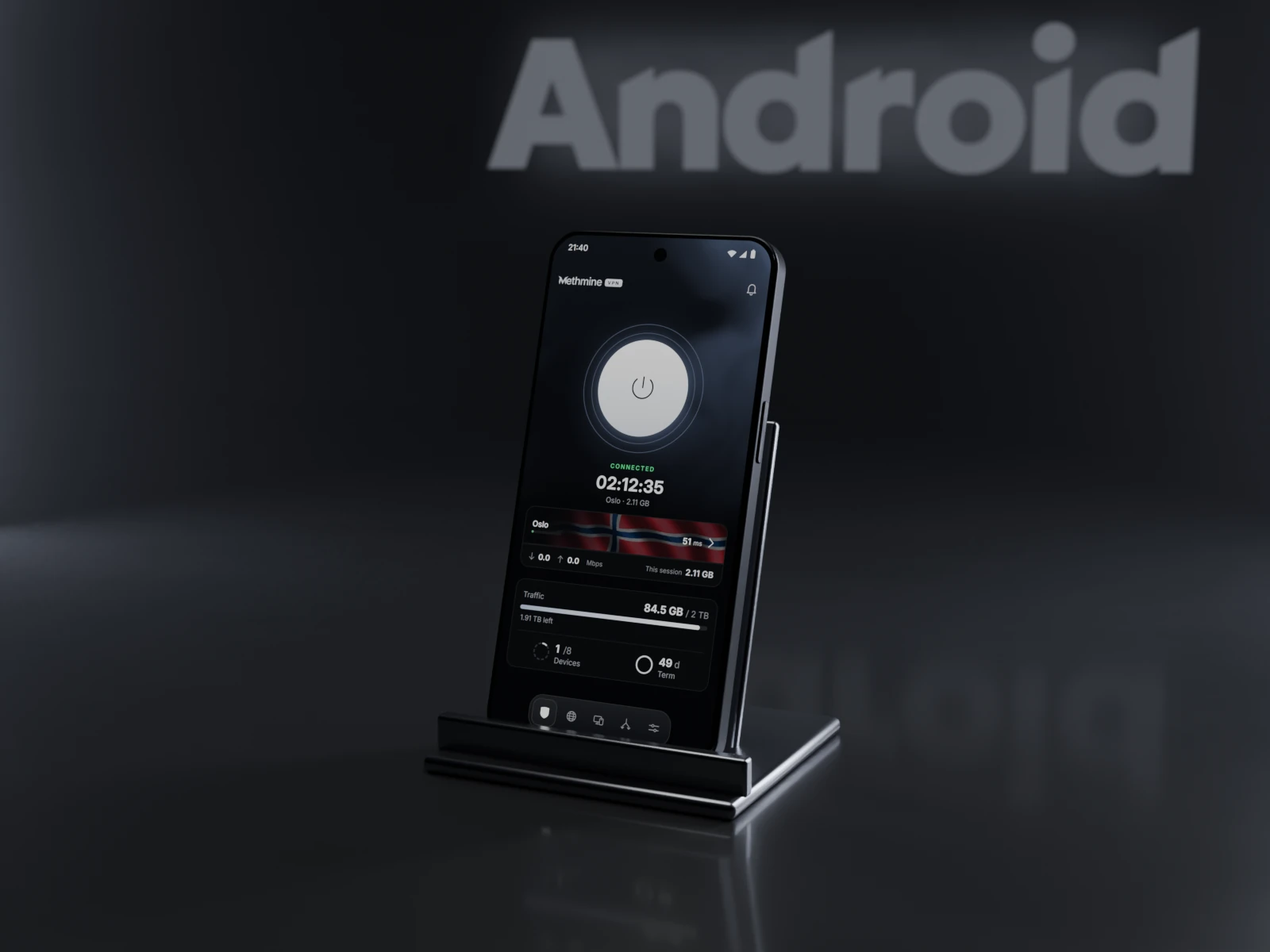
- One-button connection and a choice of servers. The app shows your latency to each server.
- Split tunneling: under Routing, choose the apps that go outside the VPN or only through it.
- Rules for sites: which sites open directly and which go through the VPN.
- Ad and tracker filtering through DNS, and a choice of DNS server.
- Connect device with a QR code: your phone makes it easy to sign your computer in to your account.
- A diagnostics screen in case something doesn’t connect.
- When your access ends, the VPN turns off by itself and the internet works as usual.
- The app checks for updates by itself and shows what’s new after an update.
The app is in English, Russian, Ukrainian and Kazakh.
Free trial: 3 days, once, 30 GB, up to 3 devices, no card needed. Plans: Pricing.